
Having a formal system in place to manage and track user requests helps ensure your Salesforce CRM is a highly functional strategic tool that serves the entire organization. All changes made to the CRM should align with the broader organizational goals, and a formal system will help teams avoid some of the common pitfalls of an overbuilt CRM, including duplicate records, difficulty of navigation, and changes that cause unintended, cascading effects.
In this article we explore some of the tried and true practices that admins, power users, and managed services consultants can put in place to ensure that requests are well-tracked, implemented in a timely manner, and are in alignment with the organization’s bigger picture strategic goals.
Best Practices for Tracking User Requests
Implement a Formal System
The first thing we suggest is that organizations implement a formal system for tracking and managing user requests. This will help prevent some of the common pitfalls of a mismanaged CRM, which often show up as technical debt, duplicate and/or too many fields, and an overall lack of focus around why updates are made.
A formal system is actually made up of two parts: the process and procedural steps that guide and support change, and the actual system used for managing and tracking the lifecycle of requests.
For the process and procedure side of things, your team should have in place a clearly defined requirements gathering process. You can learn more about that in our recent blog post: CRM Requirements Gathering Saves Time, Reduces Costs, and Delivers Smarter Enhancements.
All user requests should refer back to and support the organization’s strategic goals. One way to help define and track those strategic goals is with an impact statement. This is a useful tool that can be referred back to as needed to help ensure that changes to the CRM are in alignment with the broader organizational goals.
When it comes to the actual system, we suggest organizations use a project management tool like Asana or Gira to manage user requests. This ensures staff have full visibility and accountability for the request lifecycle, and allows for scheduling and metrics tracking to help admins show their work.
We understand that it can be tempting to send requests via email or make the ask in-person, but it’s not recommended. Email and in-person requests make it super hard to track metrics on the system requests and the time required to fulfill them.
It’s also hard to set expectations around emailed requests, and adds additional work for the admin who will need to schedule, manage, and track everything anyway. This all adds a layer of unnecessary risk. So, help your admin out and ensure that all requests are made within the project management tool of choice.
Empower Admins to Manage the User Request Process
Whether your organization has an in-house or outsourced admin, they should be empowered to manage the user request process. This means they keep folks on track with how requests are handled and push back on or say no to requests that are out of scope, not fully fleshed out, or that aren’t in alignment with the defined strategic goals.
Admins also need support from the executive stakeholder(s) in the organization. This support can take many forms, including:
- Authorizing the admin to manage all user requests
- Highlighting the importance of the requirements gathering process
- Putting in place strategic governance practices that help ensure everyone using the CRM is on the same page when it comes to making changes to the system.
Executive stakeholders can also provide coaching support for the admin, helping them become more comfortable saying no to requests that are out of alignment and more comfortable guiding other staff through the user request process.
Next Steps: Get Started on Managing User Requests
In order to get started on managing user requests, you’ll want to put in place strategic governance principles (starting with an impact statement) that provide a clearly documented framework for why and what changes should be made within the system.
The impact statement defines the purpose of the CRM, and is your guide for what requests to prioritize and what to roadmap. Check out our Strategic Governance Worksheet for guidance on writing the impact statement.
Next, put in place a requirements gathering process and train staff on how to follow it. Continually highlight the importance of it, and set boundaries when staff don’t follow it. Lastly, get a project management tool or other type of ticketing system in place to track user requests. This streamlines the process and ensures full visibility into the lifecycle of the request.
When users make requests for changes and updates it’s essential to have a strong system in place to handle the request process. This ensures the CRM can grow and evolve as the organization changes over time. The goal is a healthy CRM that works for everyone.
If you could benefit from support or guidance around some of the points we covered in this article, please reach out. We’d like to learn more about your work and discuss how we can partner with you to help achieve your CRM goals.
About North Peak
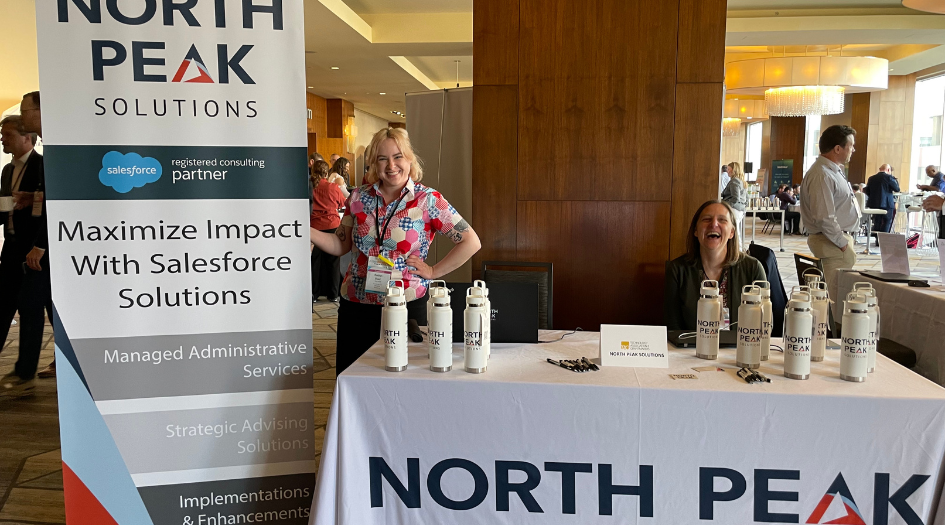
North Peak provides Salesforce-based services for nonprofits, foundations and the affordable housing sector who want to utilize the power of high-functioning CRM and GMS platforms. We achieve this through a holistic set of services, tailored to the needs of our clients.

Blog: Project Managers are Key to a Successful Salesforce Implementation
When it comes to big initiatives like a Salesforce implementation, the project manager is the glue that helps hold the project together.

Schedule a Free Consultation
If you’re considering implementing Salesforce or need help with Managed Administrative Services, or simply have questions about how to transform your organization’s data practices, we’d love to talk! Contact us for a free 30 minute call.